How to optimize your GMB Profile for better online local visibility
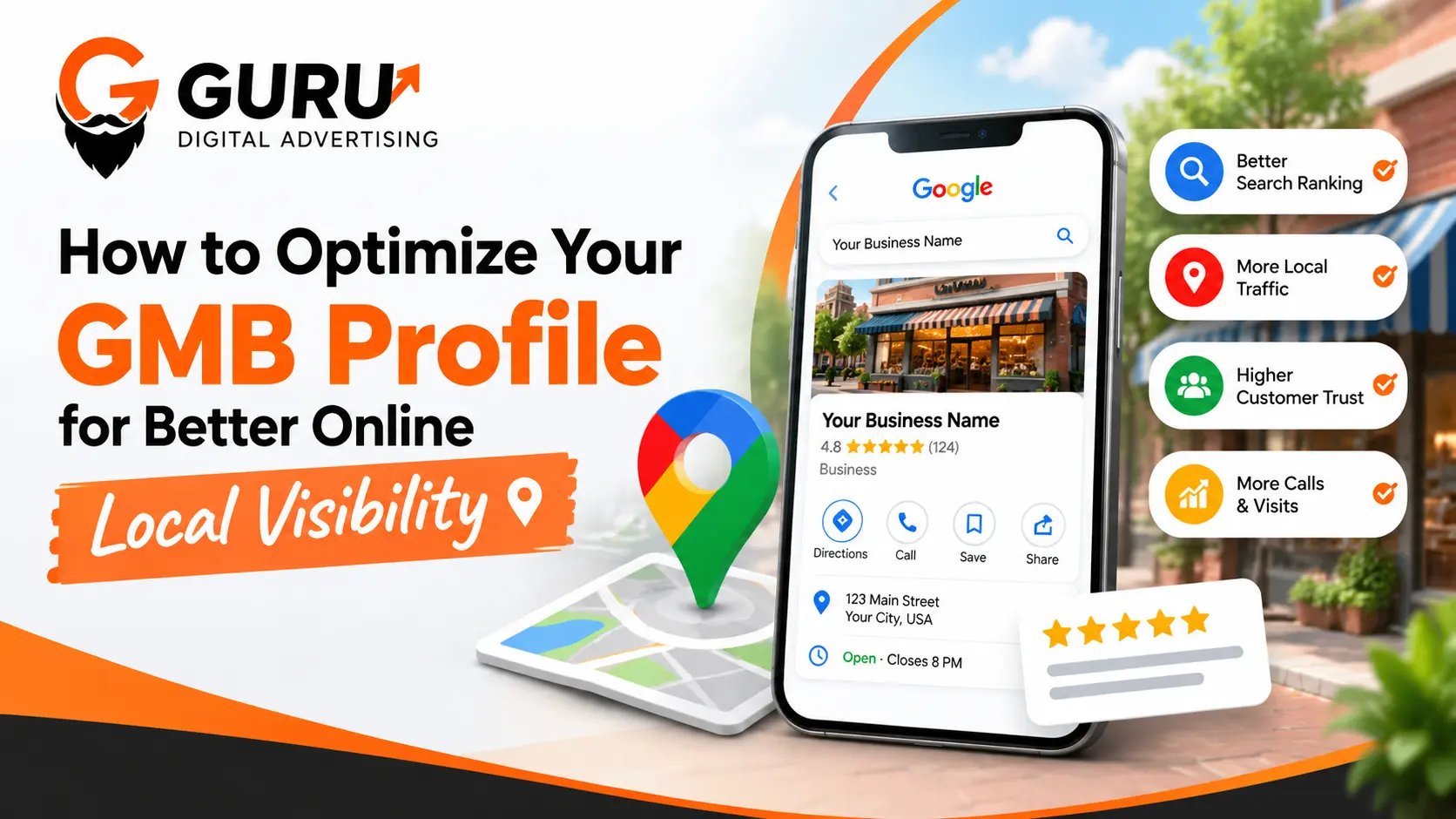
In today’s world, whether a business is small or large, it is essential to establish a strong online presence. Business owners—regardless of the scale of their operations—employ various strategies to strengthen this presence. While there are many ways to gain visibility online, Google My Business (GMB) stands out as one of the most powerful tools. With GMB, you can control how your business is presented and manage its online footprint; for instance, you can ensure your business is showcased effectively on Google Search and Google Maps.
This makes it easier for potential customers and people in the local area to find your business—a goal that can only be achieved through GMB optimization. Therefore, optimizing your Google My Business profile is highly recommended.
In this blog, we will explain how a business owner can optimize their GMB (Google My Business) profile to improve online visibility. We will discuss various strategies, tips, and best practices that will help your business appear clearly in local search results.
What is Google My Business (GMB)
Google My Business (currently known as Google Business Profile) is a free listing offered by Google that helps you control your business information across the platform. You can publish your business info on Google Search and Maps using your Google My Business dashboard.
The owner of a business has the ability to manage particulars such as the name of the company, the location, types of services, telephone, website, and hours of operation, ratings, and pictures.
This is how your business appears when they look for a "digital marketing agency near me," which is on the search engine pages of Google and on Google Maps. Your target customers can find you more easily. When they find you, they can contact you.
Who needs GMB for businesses?
1. Local visibility is improved. It helps your potential customers to find your business.
2. Customer trust is built. Shows accurate information about your business.
3. Help people get business information through calls or websites.
4. Showcase your services. Therefore, add relevant images, share correct service details or business information in GMB.
6 Steps For GMB Optimization (Google My Business)
Optimise your GMB profile Your GMB profile helps you to communicate information about your business to your customers. The more GMB profile you have optimised, the more your customers can find out about your business. Opening and closing hours and reviews can be managed easily via GMB.
Here are six essential pointers to ensure you make the most of your listing for greater local visibility.
1) Fill Out Your Complete Business Data
The initial step in GMB optimization involves providing precise and clear info on your business-such as your business name, phone number, hours of operation, website and geographical location. Make sure to update this info whenever it's updated on your GMB profile as well. Clear info ensures that customers can easily learn more about your business and contact you.
2) Choose the Right Business Category
Always pick an appropriate category for your business - this should be a category which best describes your business and what it's all about. You may also add other relevant categories if you feel it is appropriate. For example, for an SEO agency, I would suggest selecting a category for SEO because you don't just pick any highly searched category because you think it is beneficial, you want a category that says the right information to your clients.
3) Write a Clear Business Description
Keep your description as simple and as informative as you can – do not add any irrelevant information. Customers will not read the additional information – they only will get their needs fulfilled; the shorter and simple description will serve the purpose well. Keywords should only be those which are relevant and still don't consist of keyword stuffing. Be honest about your business, do not embellish.
4) Add High-Quality Business Photos
Images are so critical because people love to see visuals. That's why selecting images to put on your Google Business Profile (GMB) is so important. Post real images of your business that portray who you really are; that way you eliminate any confusion that customers might have. Use images that are related to the services and products that you offer, and be sure to upload them using WebP format for fast loading. Also update images regularly to give Google a better idea of who you are.
5) Collect and Respond to Customer Reviews
Reviews are vital for your business to develop. The very first thing that a customer does when shopping a product online (on Amazon, Flipkart and so forth) is have a look at the product feedback. If the comments are constructive, then solely will they buy the product. You also have to ask your prospects to share their feedback on the merchandise they purchase from you.
6) Monitor Your Profile Performance
As you want to be able to make the most out of your GMB profile, you should also keep an eye on its performance regularly. This gives you a better idea of how your customers are engaging with your listings, as well as how they reach your business. Check on the performance reports to better understand how your customers engage with your business. You can then analyze customer search terms, calls, clicks to your site, and directions requests.
The Effect of GMB Profile Optimization on Local SEO
1. A rise in local search rankings
2. Increased Interaction with Customers
3. Higher Rates of Click-Through
4. Higher Rates of Conversion
5. Stronger Local SEO Performance
6. Better Understanding of Customer Behavior
7. More Customer Trust Through Reviews
Final Thought
Your GMB profile listing will help you improve your Local SEO and grow your customer base. More complete your GMB listing profile with rich business information, genuine reviews, and related images along with daily posts so that customers can find and trust you. Make sure you monitor your business profile for providing accuracy and tracking the activities of customers.
Frequently Asked Questions (FAQs)
1. What Is the 80/20 Rule in SEO?
This is where the 80/20 rule comes in. In SEO, it refers to the idea that it's possible that only a handful of actions can lead to nearly all of your results. This could be a handful of blog articles, pages, backlinks, etc., that bring in most of your organic traffic. This is a principle of most businesses, not necessarily an SEO absolute. Invest in content, using relevant keyword strategy, and enhancing your website's overall quality. Concentrate on your most-visited pages.
2. Is SEO Dead or Evolving in 2026?
SEO is not dead in 2026; it is changing as search engines and AI change. People search in multiple ways, on conventional search pages, AI search engines and elsewhere on the internet. Your content should be meaningful, include relevant keywords, be easy to use and contain reliable content. Rather than writing solely to increase rankings, you should write to solve your customers' problems. Your SEO should be a long-term strategy.
3. How Can You Improve Your Local SEO?
One can boost his/her local SEO efforts through the creation of accurate information regarding the business in both his website and Google My Business account. The category of the business should be accurate, update the opening and closing times of the business, use images that are relevant to the business, and encourage reviews from clients. One should offer useful details about their products and services to his clients. Moreover, one should have a responsive website, which opens faster. This way, the customers will be able to locate the business after performing a local search.
4. How Can I Optimize My Google Business Page?
Google My Business is known today as Google Business Profile. The following is the process for making your profile optimal – provide your company’s information, choose the best category for your company, list down the services that you offer, upload authentic photos, and update your operating hours. It is necessary to request your customers to leave reviews and give feedback on those as well. It is also important to analyze the performance of your profile.
5. How Long Does Local SEO Take to Show Results?
The impact of local SEO is different for all businesses. Some of the changes, like fixing your business opening hours and contact details, will have an immediate effect on the people that want to contact you. However, the time it takes for the impact of changing your SEO to be visible and affect search rankings can vary from weeks to months, depending on various factors.
6. Do Google Reviews Help Improve Local SEO?
Positive feedback on Google can help you with the process of local SEO in order to make prospective customers aware of what others think of your business. Quality, number of reviews, and ratings can all help increase the prominence of your business in local search. You should get real customers to give real reviews and reply professionally to both good and bad reviews. Do not pay for fake reviews or give incentives for a good rating. Above all, give good service.
Ready to Accelerate Your Digital Growth?
Speak directly with our senior growth strategists. We audit your campaigns, identify conversion bottlenecks, and provide an actionable roadmap.
Book a Strategy Consultation